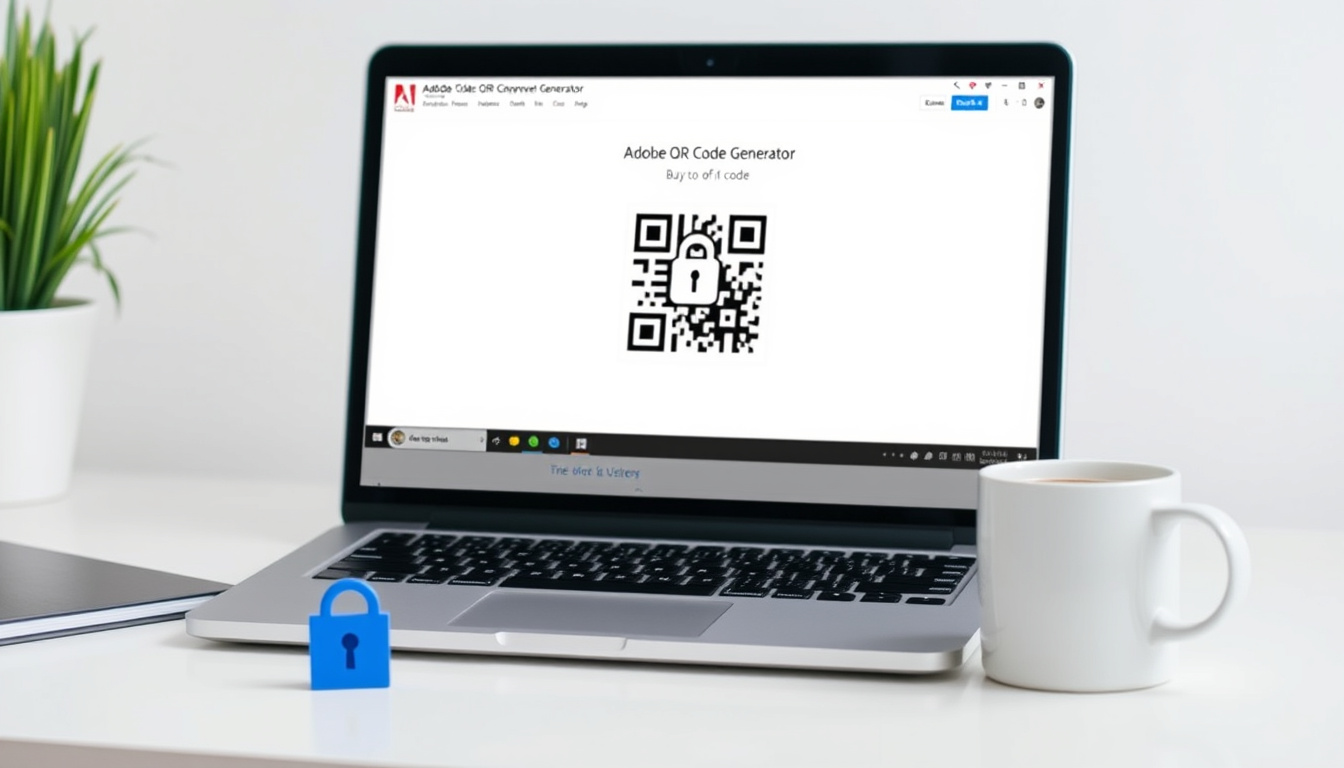

Adobe Express promises a free, permanent QR code generator with custom logos. This guide tests that promise against the fine print and the FBI’s warning about QR code safety, covering what’s really free and how the tool works.
Free tier available: Yes, no time limit ·
QR code expiration: Never ·
Custom logo option: Yes, free ·
Download formats: PNG, JPEG, PDF ·
Color customization: Available ·
Device compatibility: Desktop and mobile
Quick snapshot
- Adobe Express QR code generator is free with no expiration (Adobe Express product page)
- Custom logos and colors at no cost (Adobe Express product page)
- Download as PNG, JPEG, or PDF (Adobe Help Center)
- QR codes never expire (Adobe Express product page)
- Whether Adobe will introduce paid tiers in the future (Adobe Express product page)
- Exact number of free users actively using the tool (Adobe Express product page)
- 2023: FBI issues warning about QR code phishing (FBI IC3 alert)
- 2021: Adobe launches Express QR code generator (Adobe Express product page)
- Possible introduction of premium features or analytics
- Increased adoption of QR codes in marketing and phishing
Is the Adobe QR code generator free?
What features are included in the free version?
- Unlimited URL QR codes without time limit (Adobe Express product page)
- Custom colors, frames, and logo upload (Adobe Express customization section)
- Download as PNG, JPEG, or PDF (Adobe Help Center)
- Browser-based, no software or app install required (Adobe Express product page)
Are there any hidden costs or limitations?
Adobe states that the QR code generator is free to use and that codes never expire. There is no trial period or payment gate. The University of Georgia Open Online describes it as a “free, browser-based tool within the Adobe Express platform” (University of Georgia Open Online). The only catch: you need an Adobe account, which is free.
Any user can generate a custom QR code in under a minute without entering payment info. The trade-off is a lack of tracking metrics.
The trade-off: Unlimited free, permanent QR codes with customization, but no built-in analytics. For basic needs, it’s a strong free option.
Is Adobe QR code free forever?
Will my QR codes stop working if I stop using Adobe Express?
No. Adobe explicitly says “QR codes created with Adobe Express never expire” (Adobe Express product page). Once generated and downloaded, the code links to your URL indefinitely. There is no periodic check-in or subscription needed to keep them alive.
Does Adobe charge after a trial period?
There is no trial period for the QR code generator. It’s a permanent free feature of Adobe Express. A Microsoft Tech Community discussion confirms the workflow is entirely free, with no hidden upgrade prompt (Microsoft Tech Community discussion).
Adobe could theoretically introduce a paid tier for advanced features (like analytics) in the future. The basic free tier would likely remain unchanged.
The pattern: Adobe uses the QR code generator as a lead-in to its broader Express platform. The core feature is locked in at free, but power users may eventually want paid extras.
Is there a free QR code generator for PDF?
How to generate a QR code for a PDF using Adobe Express
Adobe Express does not directly generate QR codes from a file upload. However, you can host your PDF somewhere (e.g., your own website or a cloud drive) and use the URL in the QR code generator. The download options include PDF as a format for the QR code image itself, not the target content.
Upload your PDF to a free hosting service, copy the shareable link, and paste it into Adobe Express’s URL field. Your QR code then points to that PDF.
What are the alternatives to Adobe for PDF QR codes?
Several other free online QR generators, such as Canva and QR-code-generator.com, also allow you to create PDF-linked codes. Adobe stands apart because its free tier imposes no expiration date—most competitors let codes expire or require a paid plan for permanent codes.
The implication: For anyone needing a permanent QR code to a PDF (e.g., a restaurant menu), Adobe’s no-expiration policy eliminates the common “ad-free for 30 days” stress.
Can I create my own QR code for free?
Step-by-step: creating a custom QR code with Adobe Express
- Visit Adobe Express QR code generator and click Generate QR code under Quick actions.
- Enter or paste the destination URL (Adobe Help Center).
- Customize colors, frames, and upload your logo using the editing panel (Adobe Express customization section).
- Choose a file format (PNG, JPEG, or PDF) from the dropdown (Adobe Help Center).
- Click Download and test the code by scanning with your mobile camera (Adobe Help Center).
How to add a logo to your free QR code
Within the editor, select the Logo option after generating the code. Upload your image—it’s free and there’s no upcharge. The QR code remains scannable as long as the logo doesn’t cover more than about 30% of the code area.
Adding a large logo can reduce scan reliability. Adobe’s built-in guide warns to keep the logo small enough to preserve error correction.
The takeaway: Adobe’s free logo feature is one of the few no-cost options that doesn’t watermark or degrade the output. For branding on a budget, it’s a solid pick.
What is the FBI warning about QR codes?
How can QR codes be used in phishing attacks?
In 2023, the FBI issued a public service announcement warning that QR codes have become a primary mobile phishing weapon (FBI IC3 alert). Attackers can embed malicious URLs in QR codes that lead to credential harvesting sites or malware downloads. Since a QR code is just an image, users cannot preview the link before scanning.
What precautions should users take when scanning QR codes?
- Check the source and context before scanning—especially if the code appears on a flyer or post without clear branding.
- Use a QR scanner app that shows the URL before opening it (FBI press release).
- Never enter login credentials or personal information on a page that opens from a scanned QR code without verifying the domain.
- If you generate your own QR codes (e.g., with Adobe Express), test the code and ensure it points to your intended destination.
The FBI’s 2023 warning underscores that QR codes are no longer just convenience tools—they’re attack vectors. Any free generator (including Adobe’s) can be used by bad actors, so the responsibility shifts to users and businesses to verify the final link.
The consequence: For marketers and small businesses, using a free QR generator like Adobe’s is safe—but you must check the generated link yourself before printing or sharing it.
Two free QR generators, one major difference: Adobe’s codes never expire, while many competitors set a time limit on free tiers.
| Feature | Adobe Express QR (free) | Typical free QR generator |
|---|---|---|
| QR code expiration | Never (Adobe Express product page) | Often 30–90 days |
| Custom logo | Yes, free (Adobe Express product page) | Usually paid upgrade |
| Color customization | Yes (Adobe Help Center) | Varies |
| Download formats | PNG, JPEG, PDF (Adobe Help Center) | PNG only |
| Analytics | None | Often limited or paid |
| Account required | Free Adobe account (Adobe Express product page) | Often no sign-up |
Seven specs, one pattern: Adobe covers the basics generously but skips advanced controls like error-correction level or dynamic editing.
| Specification | Adobe Express QR |
|---|---|
| Max URL length | Standard (no explicit limit documented) |
| Error correction | Standard (likely M – 15%) |
| Image resolution | High-quality, exact size varies by format |
| Format support | PNG, JPEG, PDF (Adobe Help Center) |
| Dynamic editing | No |
| Analytics / scan tracking | No |
| Expiration | Never (Adobe Express product page) |
| Mobile app required | No (browser-based) (Adobe Express product page) |
Upsides
- Completely free with no expiration
- Custom logo and color at no extra cost
- Multiple download formats including PDF
- No app or software install needed
- Backed by Adobe, a trusted brand
Downsides
- No scan tracking or analytics
- Requires free Adobe account
- Cannot edit a QR code after download (static)
- Limited to URL-only (no text, vCard, Wi-Fi, etc.)
How to create a free Adobe QR code (quick steps)
- Go to Adobe Express QR generator and sign in (free account).
- Paste your URL in the field.
- Customize colors and add a logo if desired.
- Choose PNG, JPEG, or PDF and download.
- Test the code by scanning with your phone.
Confirmed facts
- Adobe Express QR generator is free, with no time limit or expiration (Adobe Express product page).
- Custom logos and colors are available without payment (Adobe Express product page).
- QR codes can be downloaded as PNG, JPEG, or PDF (Adobe Help Center).
- FBI warns QR codes are a primary phishing attack vector (FBI IC3 alert).
What’s unclear
- Whether Adobe will ever add a paid tier for QR codes
- How many free users are actively generating codes via Adobe Express
- Whether Adobe collects usage data from the QR generator
“QR codes created with Adobe Express never expire.”
— Adobe Express product page (official)
“Cybercriminals are tampering with QR codes to redirect victims to malicious sites that steal login credentials and financial information.”
— FBI Internet Crime Complaint Center alert, 2023
Adobe Express’s QR code generator delivers on its core promise: free, permanent, customizable codes with no hidden fees. For anyone needing a simple URL-to-QR solution—especially small businesses, educators, and event organizers—it’s a low-risk, high-value tool. The caveat is the lack of analytics and the static nature of the codes. The security warning from the FBI adds an important layer: even a free, legitimate generator can be misused if the underlying link is not verified. For users in the US, the choice is straightforward: use Adobe Express for free, but always test the code before sharing it, and educate your audience to scan with caution.
For a deeper comparison of the tool’s actual limitations, check out Auckland Reviews detailed breakdown of the free version’s fine print.
Frequently asked questions
Does Adobe Express QR code generator require a subscription?
No. It is a permanent free feature of Adobe Express. A free Adobe account is needed, but no payment information is required.
Can I use my own logo on a free Adobe QR code?
Yes. The logo upload is completely free and included in the free tier (Adobe Express product page).
What is the maximum size for an Adobe QR code image?
Adobe does not specify a strict maximum. The downloaded image is designed for print and digital use, typically up to high-resolution PNG or JPEG sizes.
Are there tracking analytics for Adobe QR codes?
No. Adobe Express’s QR generator does not include scan tracking or analytics. For that, you would need a paid third-party service.
Can I generate QR codes in bulk with Adobe Express?
No. The tool generates one QR code at a time. There is no batch or API option in the free tier.
Is there an Adobe QR code generator app for mobile?
No dedicated app. The generator works in any mobile browser via Adobe Express mobile site.
Does the FBI warning affect the safety of Adobe’s generator?
No. The FBI warning is about the content behind QR codes, not the generator itself. Adobe’s tool is safe to use as long as the destination URL is legitimate.
Related reading
Related stories




James Holloway covers culture, lifestyle and society for MorningTimes.uk.